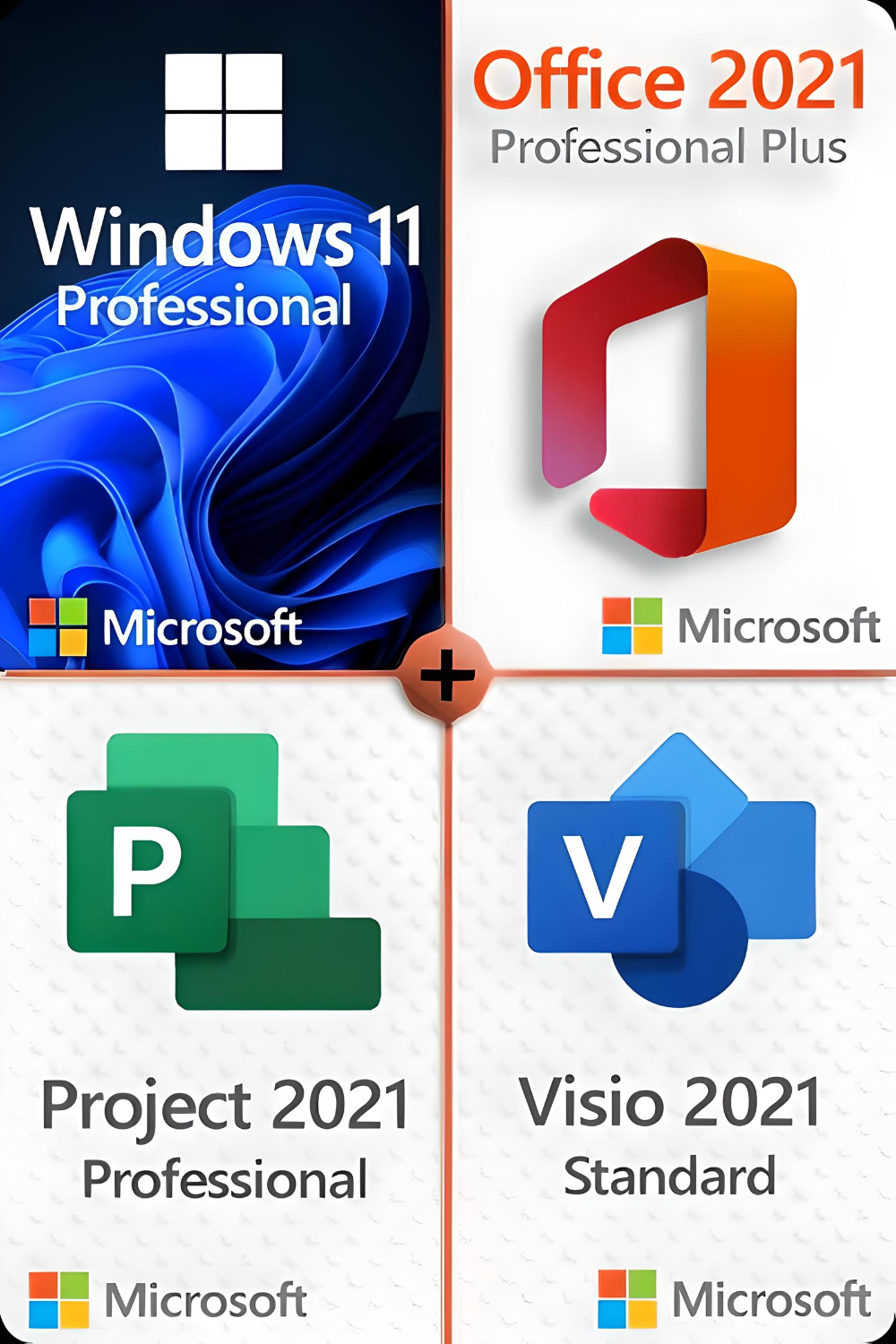




Microsoft Windows 11 Professional
(Full version from certified Microsoft Gold Partner)
With this license, the software can be activated on 3 different devices, e.g. home PC, notebook and work PC.
System requirements:
- Processor:
1 gigahertz (GHz) or faster with 2 or more cores on one
compatible 64-bit processor
or SoC (System on a Chip). - RAM:
4 gigabytes (GB) - Storage space:
64 GB or moreNote: See below under "More information on disk space to keep Windows 11 up to date" for more details.
- System firmware:
UEFI, Secure Boot capable - TPM:
Trusted Platform Module (TPM) version 2.0 - Graphics card:
Compatible with DirectX 12 or higher with WDDM 2.0 driver - Display:
High-resolution display (720p) with a diagonal of more than 9″, 8 bits per color channel - Internet connection and Microsoft accounts:
Windows 11 Professional requires an internet connection and a Microsoft account to complete the device setup on first use.Switching a device from Windows 11 Home in S mode also requires an Internet connection.
Internet access is required for all Windows 11 editions to perform updates and to download and use some functions. A Microsoft account is required for some functions.
Over time, there may be additional requirements for updates and requirements to activate certain functions within the operating system.
Microsoft Project 2021 Professional
(Full version from certified Microsoft Gold Partner)
With this license, the software can be activated on 3 different devices, e.g. home PC, notebook and work PC.
The powerful Microsoft Project Professional 2021 Edition offers extended functions and new interfaces to MS SharePoint, Project Server and Skype. The software takes full advantage of the numerous benefits of the Windows 10 or 11 operating system, but is not supported on older Windows versions. MS Project Professional 2021 is primarily aimed at project managers in companies who plan, manage, document and later analyze their individual projects.
Microsoft Office 2021 Professional
(Full version from certified Microsoft Gold Partner)
With this license, the software can be activated on 3 different devices, e.g. home PC, notebook and work PC.
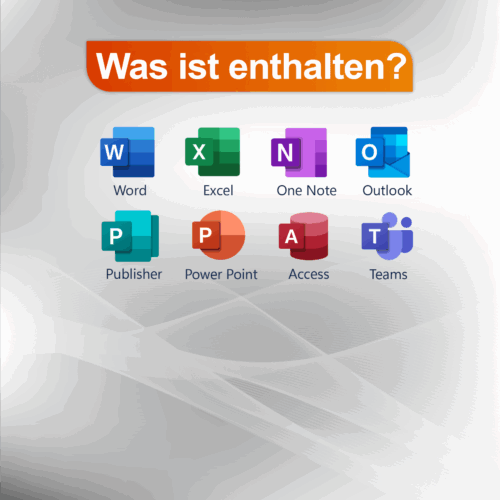
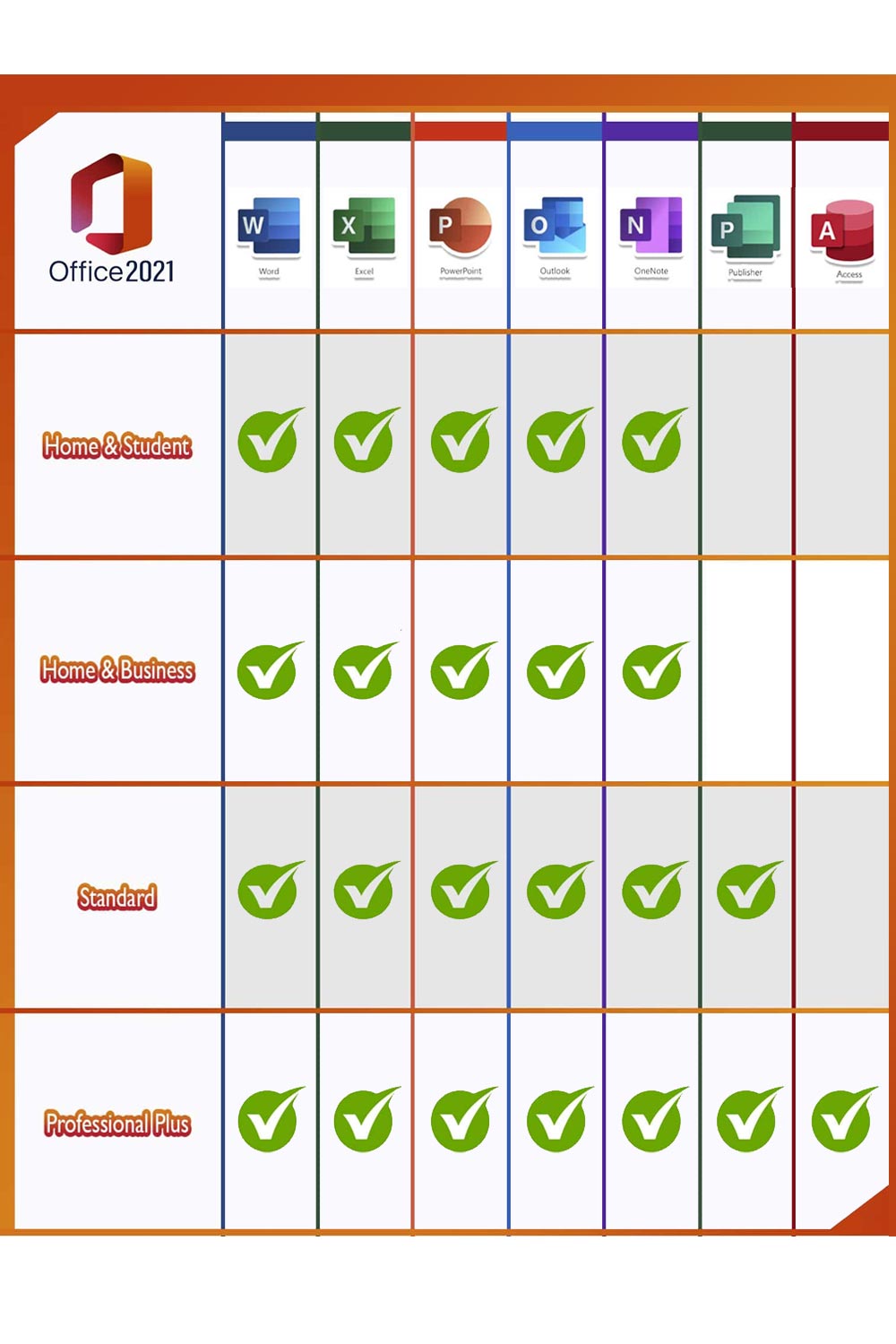
Microsoft Office users who use the full range of applications at home or in the office are well advised to choose the Office 2021 Professional Plus Edition. All important programs are included: Word, Excel, Outlook, PowerPoint, Publisher and Access. OneNote is now available to download from the Windows Store so that you can quickly take notes and make them available on all devices via the cloud. Due to the large selection of different programs, the Professional Plus version is primarily aimed at people who work at home, in the home office or are looking for a powerful, reliable solution to organize documents, spreadsheets, etc. in the office.
- WordCreate professional-quality text documents in no time at all.
- Excel: Intelligent spreadsheets for information management
- Power PointCreate impressive dynamic presentations
- OneNote: Your digital notebook
- OutlookCommunication made easy
- Publisher: Layout creation for professional publications
- AccessDatabase programming for browser-based apps
- Microsoft Teams: More productivity through instant messaging and HD video conferencing (available separately for download)
NOTE: Due to a European Commission investigationMicrosoft no longer bundles a Teams license with Office products. You can Download teamsto use it with a free or paid license (purchased separately), depending on your needs.
Microsoft Visio 2021 Standard
(Full version from certified Microsoft Gold Partner)
With this license, the software can be activated on 3 different devices, e.g. home PC, notebook and work PC.
Microsoft Visio Standard 2021 is the latest generation of the popular Microsoft software for creating and editing diagrams and visualizations. Visio Standard is particularly suitable for companies, as several users in a team or department can work on the diagrams at the same time. Many interfaces are available to share the finished visualizations internally and externally with selected people. Microsoft has worked intensively on the templates and shapes that are used continuously in Visio. The styles of the diagrams have also been improved to make them more visually impressive and at the same time make the diagrams easier to read. Microsoft Visio Standard 2021 also gives you the ability to feed data into an existing visualization in real time.